
Mastering Your Ford’s HomeLink Garage Door Opener in Cookeville and Beyond

HomeLink Garage Door Programming Guide
For the automotive enthusiasts and daily drivers of Cookeville, Tennessee, including our friends in Crossville, Lebanon, Murfreesboro, Manchester, and Smyrna, gone are the days of juggling those bulky, inconvenient garage door transmitters. The hero of this modern-day convenience? The Ford HomeLink system.
Ford has taken steps to improve driving experiences by combining convenience and futuristic technology. One of these innovations is the HomeLink system, seamlessly integrated into various Ford vehicles. This feature includes a sleek built-in transmitter within the driver’s side visor, eliminating the need to search for a garage door opener.
How To Reset Homelink Garage Door Opener?
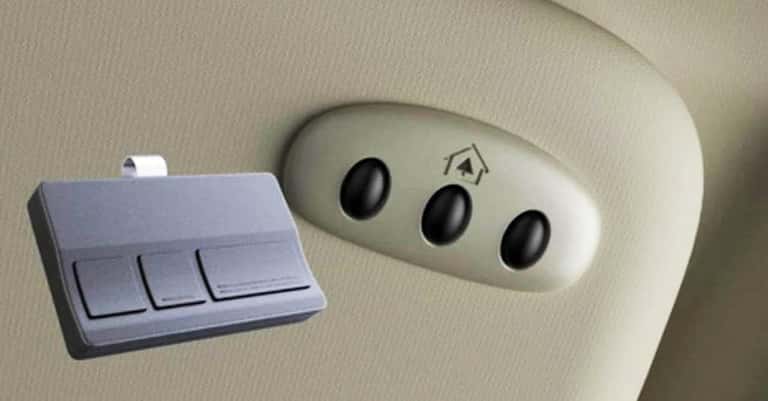
- Ignition Activation: Start your vehicle and get set.
- Old Transmitter Alignment: Keep your existing garage door transmitter a mere few inches from the HomeLink panel.
- Button Selection: Choose which HomeLink button you wish to assign.
- Dual Pressing: Press your chosen HomeLink button and your garage door transmitter.
- HomeLink Light Indicator: Observe the transition from a slow-blinking light to a persistent illumination or a rapid flash.
- Hold On: Ensure you press both buttons for a complete 5 seconds.
Understanding Your Ford HomeLink Garage Door Light Signals:
If the HomeLink light remains steady, it indicates a fixed code device. Press the corresponding button, and your garage door should open.
You are dealing with a rolling code device if you see a rapid sequence of flashes that transition into a continuous light.
To set up your device correctly, follow these precise steps:
- Start by pressing and holding the ‘learn’ or ‘smart’ button on your garage door mechanism. At the same time, press and hold the corresponding HomeLink button in your vehicle for 2 seconds.
- Pause briefly, and press the button for another 2 seconds. This process requires some skill, so having an assistant can be helpful.
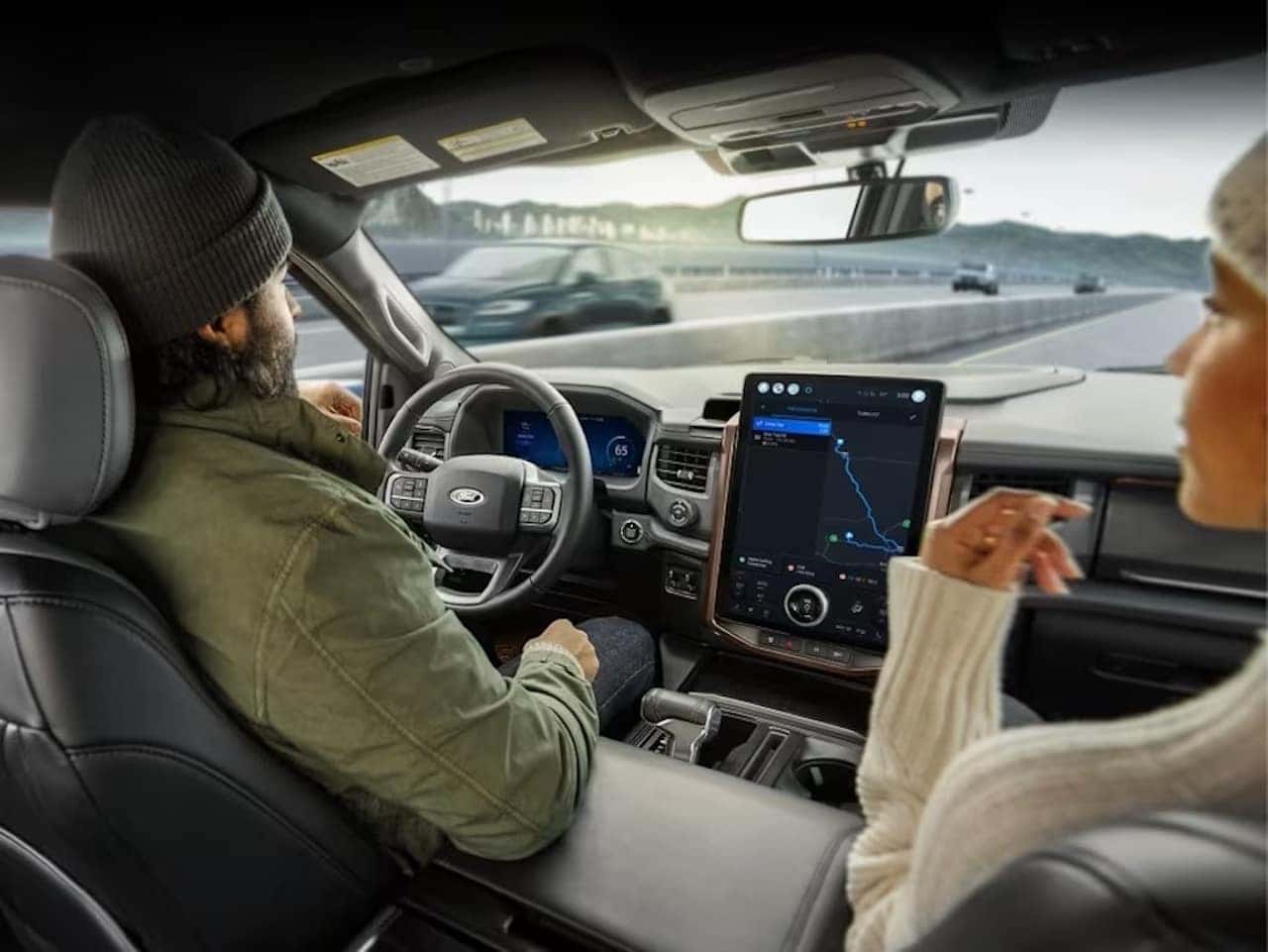
In today’s fast-paced world, technology and convenience are in high demand. Automakers like Ford constantly strive to make the driving experience more seamless and effortless for their users. Ford has taken a leap in this direction with their innovative HomeLink system.
HomeLink by Ford is more than just a device to open or close garage doors. It reflects the company’s commitment to offering state-of-the-art technological solutions that integrate with users’ daily lives effortlessly. The HomeLink system aims to simplify life by providing a consolidated solution to manage multiple remote controls that often clutter our cars and homes.
The HomeLink system offered by Ford is a revolutionary step towards the future. It eliminates the need for multiple remotes and the hassle of forgetting the garage opener at home. With HomeLink, you can control your home devices right from your vehicle, whether arriving after a long day at work or setting out for an early morning drive.
Setting up the HomeLink system is straightforward, even for those who are not tech-savvy. Ford has ensured the process is user-friendly and doesn’t require hours of figuring things out. You can have a fully programmed HomeLink system ready to serve you in just a few minutes.
Not only does HomeLink provide practicality, but it also adds a touch of style to your vehicle. With this system, your car symbolizes elegance, modernity, and functionality.
If you need more information or have questions, feel free to reach out. We’re here to guide you through the process at Ford of Cookeville.
0 comment(s) so far on Mastering Your Ford’s HomeLink Garage Door Opener in Cookeville and Beyond